Explore the best photo templates to elevate your images and streamline your creative process. With a diverse selection of customizable photo templates, you can craft professional-looking visuals for social media, marketing campaigns, presentations, and personal projects. CapCut - AI Tools offers an intuitive platform that ensures ease of use, allowing users of all skill levels to achieve striking results in minutes. Benefit from high-quality designs, flexible editing options, and seamless integrations that cater to photographers, marketers, content creators, and anyone looking to enhance their photos. Discover how these templates save time, maintain brand consistency, and unlock new creative possibilities. Try photo templates today to transform your photos into captivating visual stories.
Build a photo template edit from the pictures worth showing
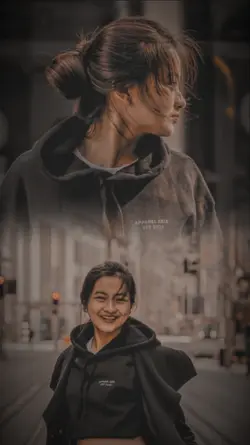
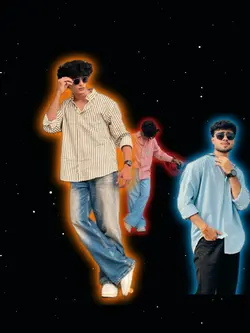
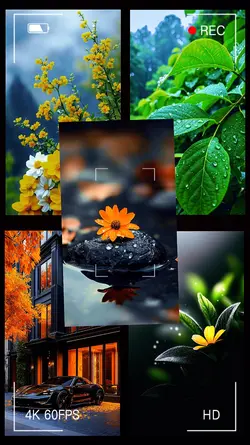
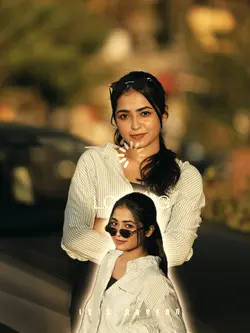
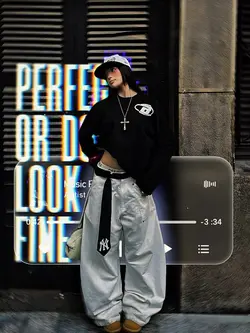
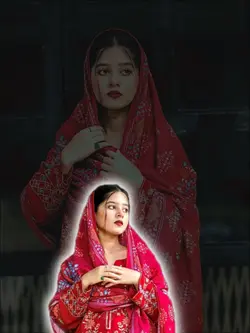
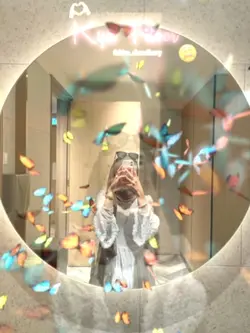
The photo templates above range from camera shutter dump and 23 Pics edit to cutout aesthetic, collage 15photo, 11 Photo Edit, and bestfriend Moments. Some need a large set of images; others work around a smaller group or one visual idea. Count the photos you would actually keep before choosing the format.
Match the template to the number of useful photos
A 23-photo or 15-photo edit only works when the images add real variety. Look for changes in expression, distance, activity, or setting. If half the photos repeat the same pose, choose a shorter structure instead of filling every slot. Keep a few backup images for crops that hide a face or important detail.
Camera shutter dump suits an informal sequence from the same day or event. A cutout aesthetic needs subjects with clear edges and backgrounds that do not compete with the composition. For a collage, check whether each face or object remains large enough to understand on a phone.
Arrange the photos like a small story
Start with an image that establishes the person, place, or occasion. Use the middle to add changes and details, then finish with a photo that feels like a conclusion rather than another random frame. Avoid placing several nearly identical images together.
Preview the full edit at normal speed and check every crop. A photo template becomes more than a slideshow when the order reveals something the individual pictures do not show on their own.
FAQs
Q: How many photos should I prepare for a photo template?
A: Use the number shown in the selected template title or preview. For a 23 Pics edit, prepare at least 23 usable images plus a few backups; for an 11 Photo Edit, prepare at least 11. Do not count near-duplicates as meaningful variety.
Q: What photos work best in a camera shutter dump template?
A: Use informal images from the same day, trip, or event, with a mix of wide views, people, objects, and small details. The sequence can feel casual, but the photos should still relate to one occasion. Remove accidental screenshots and frames that add no new information.
Q: Can I use video clips in a photo template?
A: It depends on the selected template and the media types shown in its preview. If video is accepted, use a short clip that does not interrupt the photo rhythm. Do not assume every photo layout supports motion; check the actual slots before choosing files.
Q: How do I choose the order of photos in a template?
A: Start with an image that establishes the person, place, or event. Use the middle for changes in action, distance, or expression, then finish with a frame that feels conclusive. Keep similar photos apart so each new screen gives the viewer something different.
Q: What makes a photo suitable for a cutout aesthetic template?
A: Choose a photo with a clear subject edge, useful separation from the background, and enough resolution for the intended crop. Busy hair, overlapping objects, or a background with similar colors can make the cutout harder to read, especially when several layers appear together.
Q: How can I keep faces readable in a 15-photo collage?
A: Use portraits with clear framing and avoid placing important faces near the original image edge. Preview the finished collage at phone size. If several faces become too small, reduce the number of photos or choose a layout that gives each image more room.
Q: Can I repeat the same photo to fill extra template slots?
A: You can, but repetition usually makes the edit feel padded unless it serves a clear purpose, such as returning to the opening image at the end. A shorter template is often better when you do not have enough distinct photos to fill a larger sequence.
Q: What should I check before exporting a photo template edit?
A: Check every crop, the reading time for any text, and whether the photo order still makes sense at normal speed. Remove near-duplicates, confirm that faces and products remain visible, and watch the final frame long enough to decide whether it feels like an ending.